 Marine AI Copilot™
Everything for your boat, one app.
Marine AI Copilot knows your boat. Tell it your vessel and the equipment aboard, and its AI features help write procedures, answers and guides for your specific boat, not for boats in general. AI use is optional.
Run your checklists, keep your ship's log, and look up where you're going and what you'll catch, throughout the world. Your data is stored locally on your phone.


Written for your boat, not for boats in general
Buttons marked with a gold sparkle use AI. They take your vessel and its equipment into account, and what they produce is saved on your phone.
-
Procedures written for your boat
Ask for an operating or do-it-yourself maintenance procedure and get a step-by-step checklist that accounts for your vessel and its specific equipment. Edit it, reorder it, make it yours. Each time you complete one, it can go straight into the ship's log with the date, the time, the boat's position and any notes you add.
-
Equipment set up from a photo
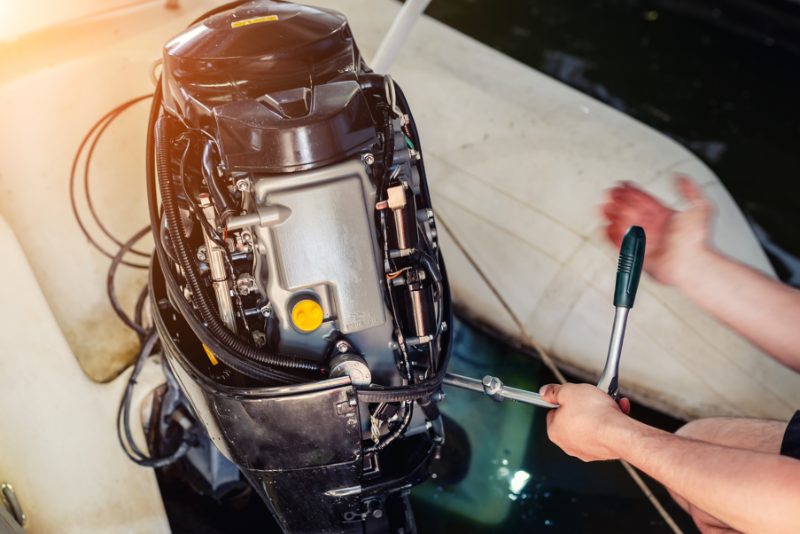
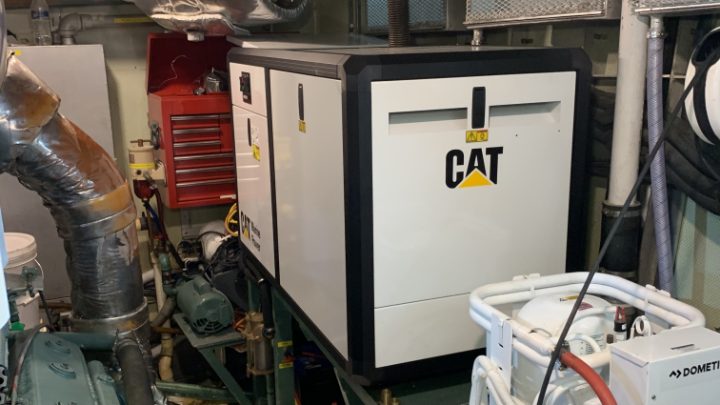
Walk through the engine room, or open the engine compartment, and set up the engines, generators, watermaker, pumps, compressors and everything else by photographing them. The app reads each manufacturer's plate for the make, model and serial number and fills in the record; add or correct any detail before saving.
-
Worldwide Cruising Guide
Name a destination anywhere and get a six-part briefing: approaches, marinas with transient rates when published, anchorages, points of interest, activities and restaurants. Finished guides are saved for reading offshore.
-
Worldwide Fishing Guide
Tell it where, when and how you are fishing, and it suggests the species most likely to bite and the techniques, tackle and bait for each. Photograph a catch to identify it.
-
Navigation Aid Identifier
Photograph a buoy, beacon or daymark and learn what it is and how it is used, citing the U.S. regulations it answers from.
-
Boat-Specific Q&A
Ask a boating question, whether it is troubleshooting, advice or general knowledge, and get an answer that accounts for your vessel and the equipment you select.
The right model for each job
Every request is routed to the Claude model from Anthropic that suits it: the most capable models write procedures, cruising guides and fishing guides, and faster ones read a plate, identify a catch or answer from the navigation rules. Each answer is as good as it can be and as quick as it can be, and the routing improves without an app update.
The boats, the checklists, and the logs
- Your boats and their equipment Organized by category, with photos, and the source the AI features draw on.
- Operating and maintenance checklists Work through them with a tap, or aircraft-style, one item at a time with the current item highlighted. Record readings and notes as you go.
- A ship's log A general log book, a maintenance log and, if you like, a log book for each voyage. Every entry is stamped with your position, course and speed from the phone's GPS, and you add depth, wind and remarks. Completed checklists are recorded in your entries. Export any log book to PDF.
- Everything on your device No sign-up, no advertising, nothing sold. You decide when to create a backup and where it goes.
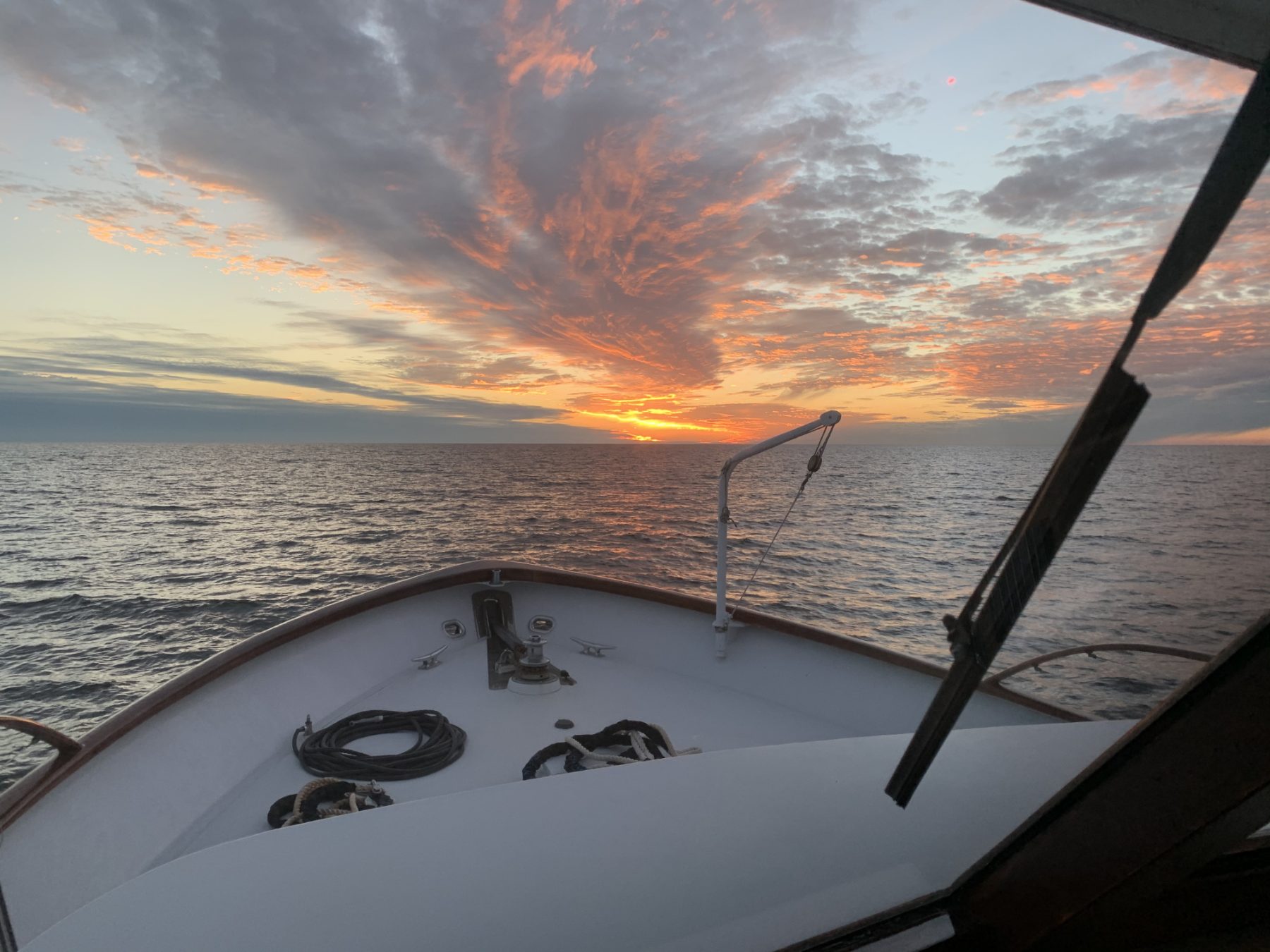
From the deck of Freeplay, the boat this app grew up on.
Set up your boat once. Everything after that is about it.
-
Set up your boat
Name, dimensions, a description, and the equipment aboard. Photos of equipment and their plates do most of the typing for you.
-
Ask
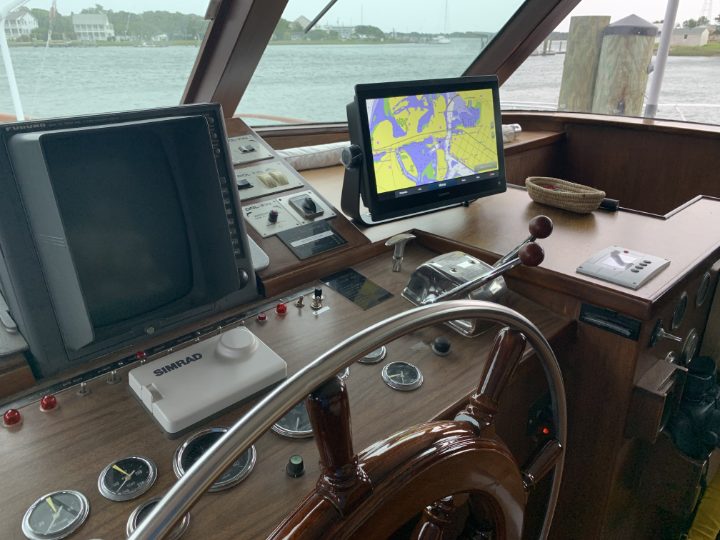
An operating procedure, how to maintain a piece of equipment, a destination, a fishing trip, a photo of a mark or a catch, or a plain question. The answer is written for your boat.
-

Keep what you get
Cruising destinations, fishing guides and procedures are saved on your phone and open without a connection. Procedures are yours to edit.
A look around the app


Scroll sideways to see them all.
One plan, and the rest is free
Marine AI Copilot Premium unlocks the AI features. Everything else, your boats, checklists and ship's log, is free with no account.
The subscription is billed to your Apple Account and renews monthly until you cancel it in your Apple Account settings. Saved guides and fishing trips are available while your subscription is active and return when you subscribe again.
Questions
Do I need an account?
No. There is no sign-up. The subscription is handled by Apple, and the app never asks for an email address or a password.
How hard is it to add my boat?
The boat itself is a short form: its name, dimensions and a description. The equipment is the part other apps make you type, and here you photograph it instead. Walk through the engine room with your phone, shoot each piece and its plate, and the app fills in the make, model and serial number for you to check before saving. A well-equipped boat is set up in an afternoon, not a weekend.
Where is my data?
On your phone. Your boats, equipment, checklists, log books and the photos you add are stored on the device. You decide when to create a backup and where it goes.
Does it work offline?
Yes for everything you have already entered or generated: boats, equipment, checklists, the ship's log, saved cruising destinations, fishing guides and procedures. The AI features need a connection only while they are generating something new.
What does the AI see?
Only what you submit for a request, and only with your permission: the photo you choose, the text you type, the details of your boat and selected equipment, and a location when the request includes one. Our server passes it to our AI provider, Anthropic, and keeps none of it after the answer is returned. You can withdraw the permission at any time in the app's settings.
Is this a navigation app?
No. Marine AI Copilot is informational assistance for the boater. It does not replace charts, instruments, official publications or your own judgment on the water.
Which phones does it run on?
iPhone, from the App Store, in the United States. See the Support page for the current iOS requirement.